Clint — AI-Powered Expense Management & Subscription Tracking App. Track every expense.
Your way.
Sync your Gmail, connect your Drive, scan a photo, or type it in — Clint turns every invoice into insight. No bank login required.
 Gmail Sync
 Drive SyncUpload PDFScan PhotoManual Entry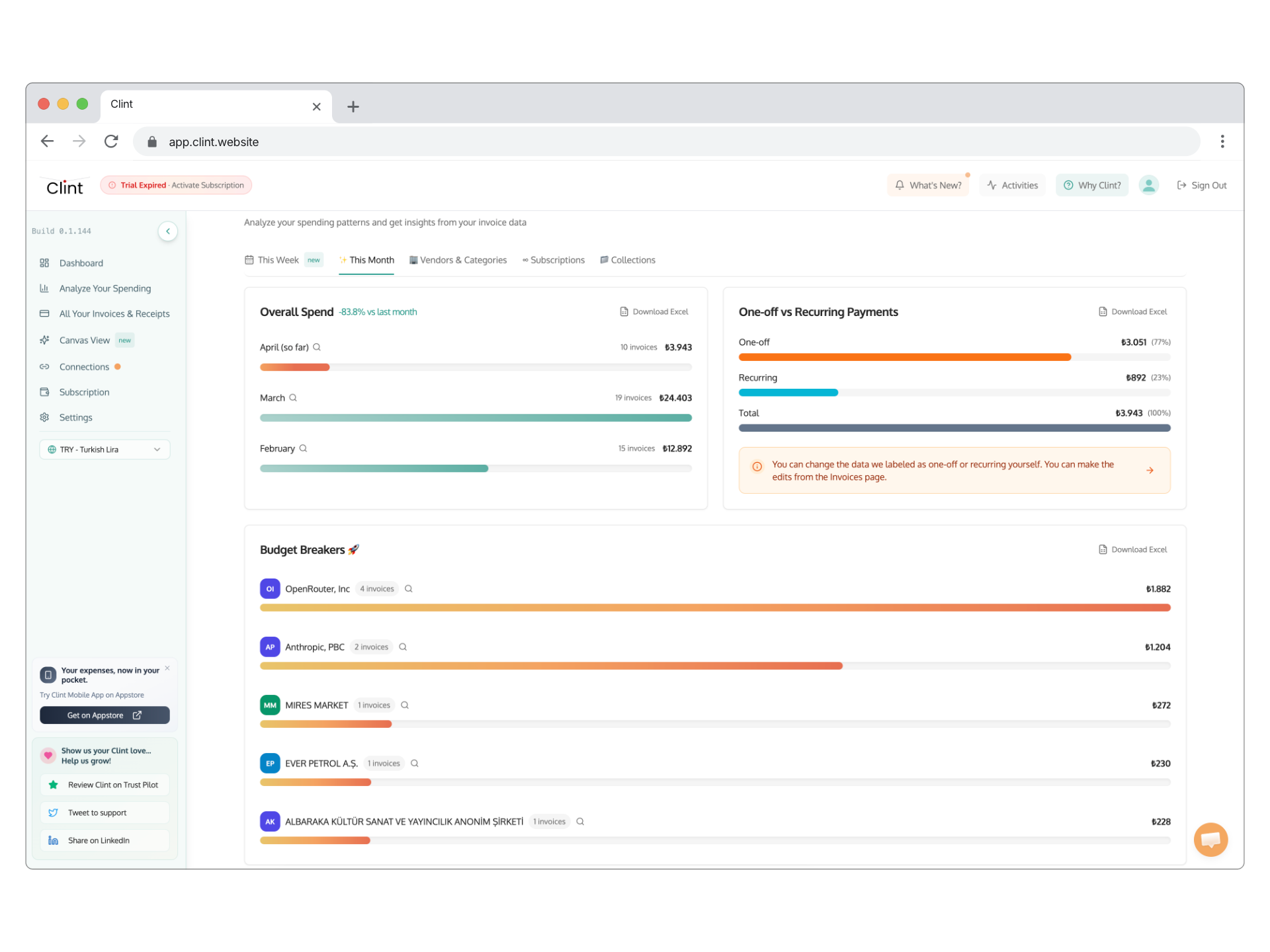
Clint Live Usage Statistics
Invoices scanned
—
Invoice volume
—
Status
All Systems Live
Features
How Clint works
Five ways to add expenses. One AI expense manager to scan, categorize, and make sense of it all.
Input methods
Add Invoices Your Way
Clint's AI invoice scanning automatically extracts vendor names, amounts, dates, and line items from your emails, PDFs, and photos. Connect Gmail, link Google Drive, upload a PDF, snap a photo, or enter manually — no bank login required.
Subscriptions
Subscription Tracking
Clint's subscription tracker automatically detects recurring payments from your scanned invoices and emails. See every active subscription in one place, get alerted before renewal dates, and spot services you're no longer using.
Notion Plus
Renews in 3 days
Adobe CC
Renews in 12 days
Spotify
Renews in 18 days
Figma
Last used 47 days ago
Analytics
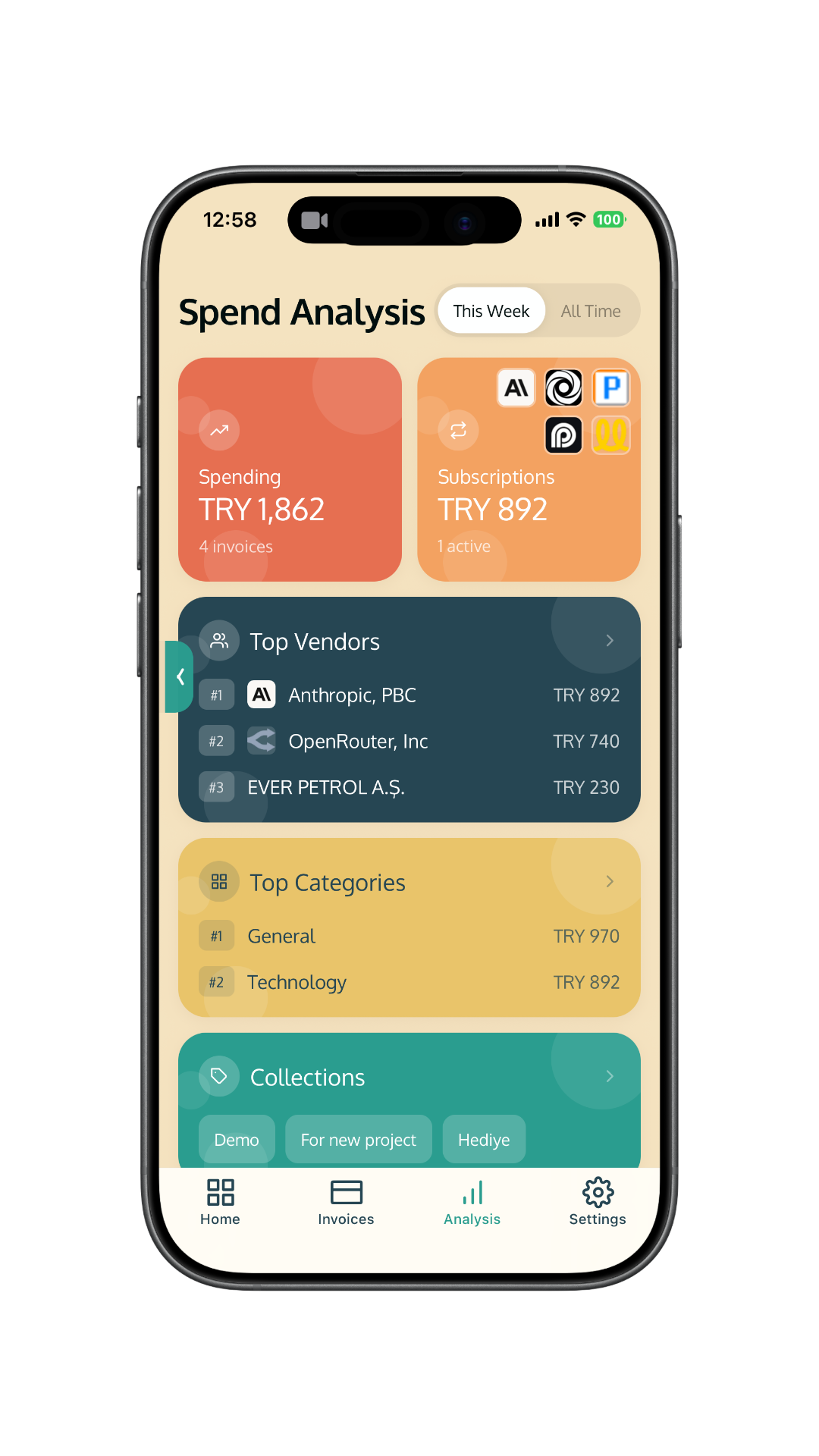
Spending Analytics
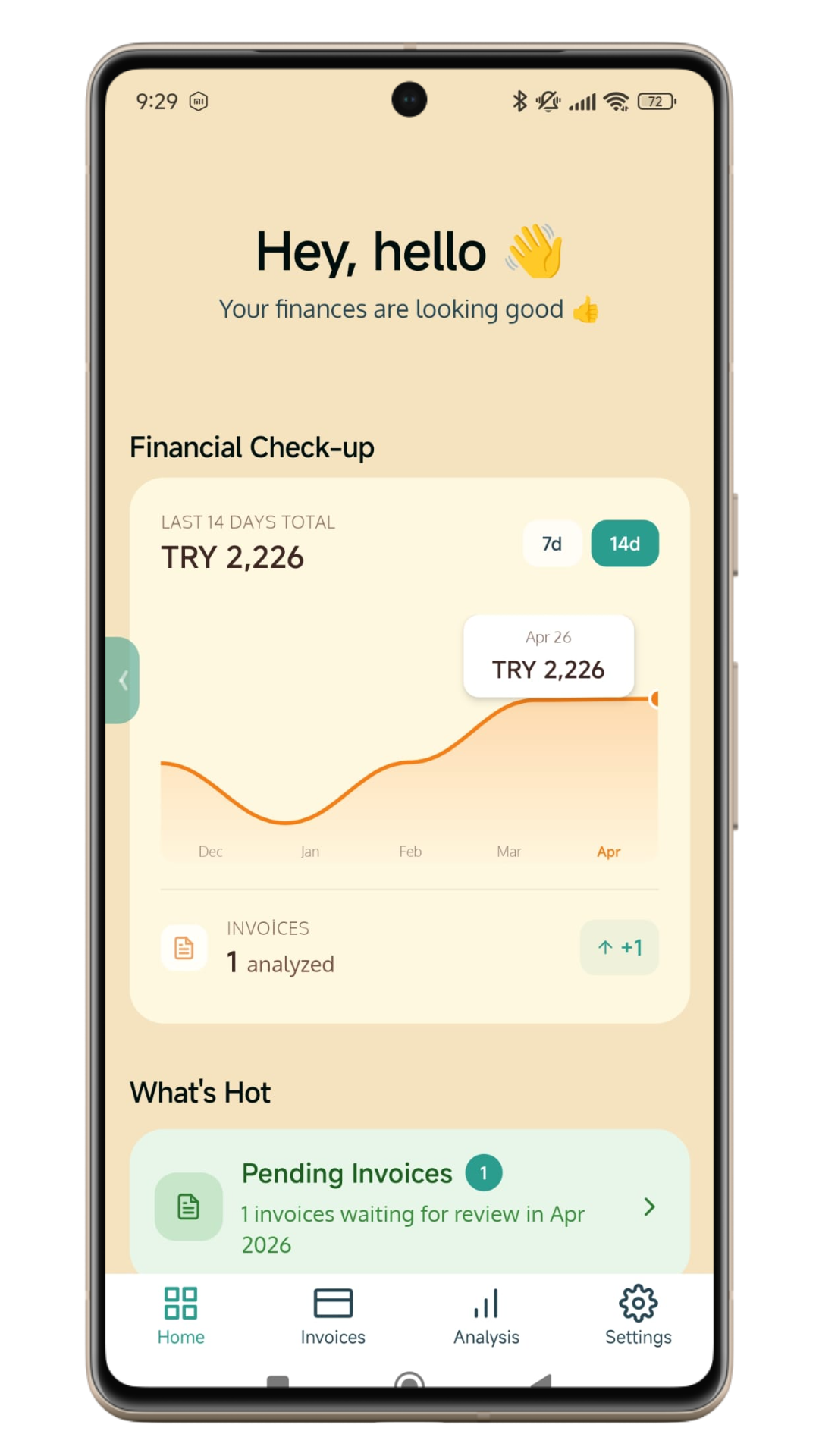
Clint generates visual spending analytics from your scanned invoices — monthly trends, top vendors, and category-level breakdowns that show exactly where your money goes, without any manual categorization.
Full-text Search
Find any invoice by vendor, amount, or date.
Tag & Group
Organize invoices into collections with comments.
Swipe Review
Speed through invoices with swipe-to-classify.
Map View
See where you spend on a heatmap.
Multi-Currency
Multi-currency expense tracking across USD, EUR, GBP, TRY, and more — no bank account connection required.
AI-powered savings insights
Detect unused subscriptions, predict upcoming charges, find savings opportunities.
Positioning
Why Clint for Expense Tracking?
Most expense trackers start with your bank. Clint starts with what you already have.
No bank login required
Get full expense visibility without sharing bank credentials. Clint works with your Gmail, Google Drive, uploaded files, or manual entries.
Works globally
No Plaid dependency means no country restrictions. If you have a Gmail account, Clint works for you — anywhere in the world.
Five ways to add expenses
Gmail sync, Google Drive, PDF upload, photo scan, or manual entry. Use one or all — your data, your workflow.
AI that reads invoices, not transactions
Clint's AI extracts line items, taxes, vendors, and dates from actual invoices — not just transaction labels from your bank feed.
Thinking other tools?
See why Clint wins.
Trust & Transparency
We only look where
you'd expect us to.
No black boxes. Here's exactly what happens when you connect your Gmail.
What Clint sees
Netflix
Your invoice is ready — November
Amazon
Your order receipt #114-7392846
Spotify
Invoice for Spotify Premium — Dec
Apple
Your receipt from the App Store
What Clint doesn't see
Morning Brew
Today's stories: Markets, AI trends
You have 5 new connection requests
Nike
Summer sale: up to 40% off sitewide
TechCrunch
The hottest startup of the week
Clint never opens, reads, or stores these.
How do we prove this?
We run exactly one search query on your Gmail. Here it is, word for word:
MAIL_SEARCH_KEYWORDS = ["invoice", "receipt", "fatura"]query = ( "-in:trash -in:spam -in:sent " f"after:{after_date} before:{before_date} " f"({' OR '.join(MAIL_SEARCH_KEYWORDS)}) ")gmail_api.users() .messages() .list(userId="me", q=query, maxResults=500) .execute()
You'll see exactly what Clint sees. Nothing more.
Try it yourself in GmailIndependently verified
Tac Security — Google's preferred CASA assessor
Our Gmail access scope has been independently audited. We only read what we say we do — no more, no less. View full data security policy →
If our data access policy ever changes, we'll update our data security page before it takes effect.
Pick a plan.
Change anytime.
Each plan uses a credit-based model — every AI invoice scan costs one credit, unused credits roll over, and misreads are automatically refunded.
Not sure yet? See how we compare to Expensify, Ramp, and others →
Pay for what you use
Every AI action costs one credit. Manual entries are always free.
AI gets it wrong? Credit refunded.
Delete a misread invoice and your credit comes back automatically. No tickets, no waiting.
Top up anytime, never expire
Need more in a busy month? Top-up credits roll over forever, no plan upgrade needed.
For freelancers & small teams
For tracking expenses across home, personal life, and small business.
- 600 AI credits/mo (≈ 600 invoice scans)
- Unlimited manual entries
- Unused credits roll over for 3 months
- Auto-refund on AI errors
- Priority email support
For individuals
For managing your home and personal finances.
- 150 AI credits/mo (≈ 150 invoice scans)
- Unlimited manual entries
- Unused credits roll over for 1 month
- Auto-refund on AI errors
- Top up credits anytime
For power users & multiple entities
For tracking all personal and corporate expenses in one place.
- 1,000 AI credits/mo (≈ 1,000 invoice scans)
- Unlimited manual entries
- Unused credits roll over for 3 months
- Auto-refund on AI errors
- Priority email support
Try Clint with no commitment, no credit card required.
All prices in USD, excl. VAT where applicable.
A hidden gem for subscription tracking
"I got my expense tracking into a very organized state with Clint, and thanks to its features, I've already moved into the savings stage for my spending on invisible expenses. I found out about Clint on LinkedIn, and it has now become my fav product. With its attention to detail and ease of use, it's a hidden gem for people like me who have a lot of subscriptions!"
Trustpilot User
Verified Review
A simple way to manage personal budget
"I've been using Clint for a while and I really like how simple and clear it is. First time I tried a budget management tool. I connected my Gmail, and it automatically scanned and analyzed my emails to find all my subscriptions, payments and invoices. In a few minutes, I could see how much I'm spending monthly, all in one place. The interface is clean, the flow is smooth, and everything feels very easy to use. It gives a nice, clear overview of payments and makes tracking subscriptions effortless. Simple idea, well executed. Definitely useful if you want to understand and control your recurring expenses better."
Trustpilot User
Verified Review
Calm, smart and trustworthy
"We use Clint at Blurple to simplify the expense complexity that builds up around the tools and subscriptions we rely on regularly. Even at the scale of a design studio, SaaS subscriptions, renewals, evolving team needs, and occasional purchases can quickly turn into a messy picture. Clint fills a very practical gap here. What the product does best is making financial signals visible that would otherwise get lost in email traffic. Its structured focus on subscriptions, invoices, and payments, combined with running this through Gmail, gave us a fast start. Clint's approach of making financial awareness effortless genuinely shows up in day-to-day workflows."
Blurple Studio
Design Studio
FAQ
Frequently asked questions
Clint uses a single Gmail search query to find emails containing 'invoice', 'receipt', or 'fatura'. It only reads matching emails — never personal messages, promotions, or other content.
Clint extracts invoice details like vendor name, amount, date, and line items from emails, Google Drive files, uploaded PDFs, or photos. It never reads non-financial emails.
Yes. Clint's Gmail access has been independently audited by Tac Security, Google's preferred CASA assessor. We only access invoice-related emails and never store unrelated data.
No. Clint works without any bank login. It uses Gmail sync, Google Drive, PDF uploads, photo scans, or manual entry — no Plaid or bank credentials required.
Yes. Since Clint doesn't rely on Plaid or bank integrations, it works globally — anywhere you have a Gmail account. Multi-currency support is built in.
Yes. Clint offers a free plan with 40 AI credits per month, 50 manual entries, Gmail and Google Drive sync, and all core features. No credit card required.
Your credit is automatically refunded. Delete the misread invoice and the AI credit comes back instantly — no support tickets needed.
Get started today
Start Tracking Your Expenses — Free
Start to use Clint for free. No credit card required.